
It’s often tedious to configure, geometry-specific and boundary layer generation has a notorious reputation.
But snappyHexMesh (SHM) has always been packaged with OpenFOAM from the beginning…and it was designed to bridge the gap between the messy, real-world of CAD design parts and CFD simulation.
Whilst I’ve used it in the past to good effect and I’ve recently been trying to clarify whether it can really generate better, more numerically-valid CFD meshes.
If you’ve been following the last few posts here, you would’ve seen me detailing the most influential snappyHexMesh parameters in any meshing project. Here’s a list for convenience:
The philosophy behind it
I may have mentioned this before – it works with a “background” mesh and your CAD geometry (STL / OBJ), cutting, refining and layering a final CFD mesh.
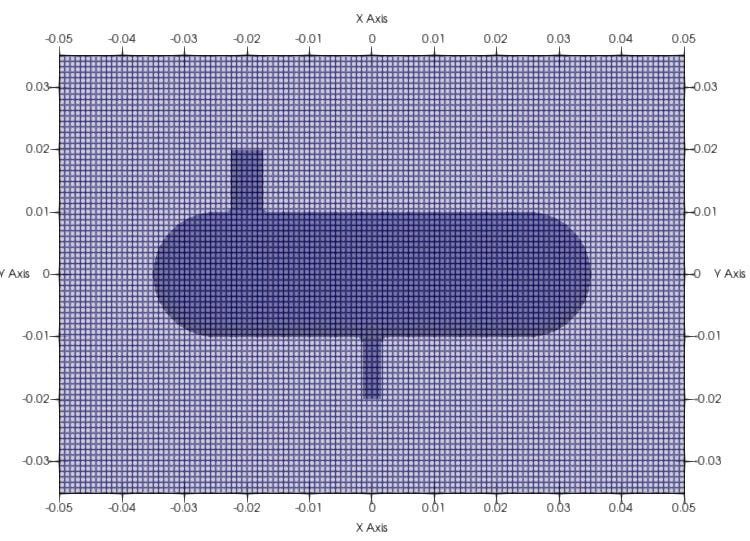
This makes logical and computational sense to me.
But in my experience, the results are dependent on your configuration / parameter settings (contained in system/snappyHexMeshDict).
It takes some time to get going
Once you get used to the interface and how to manipulate the parameters, it’s a matter of refining those.
But this is where most people give up as it typically takes an excessive amount of time to find them for your specific geometry.
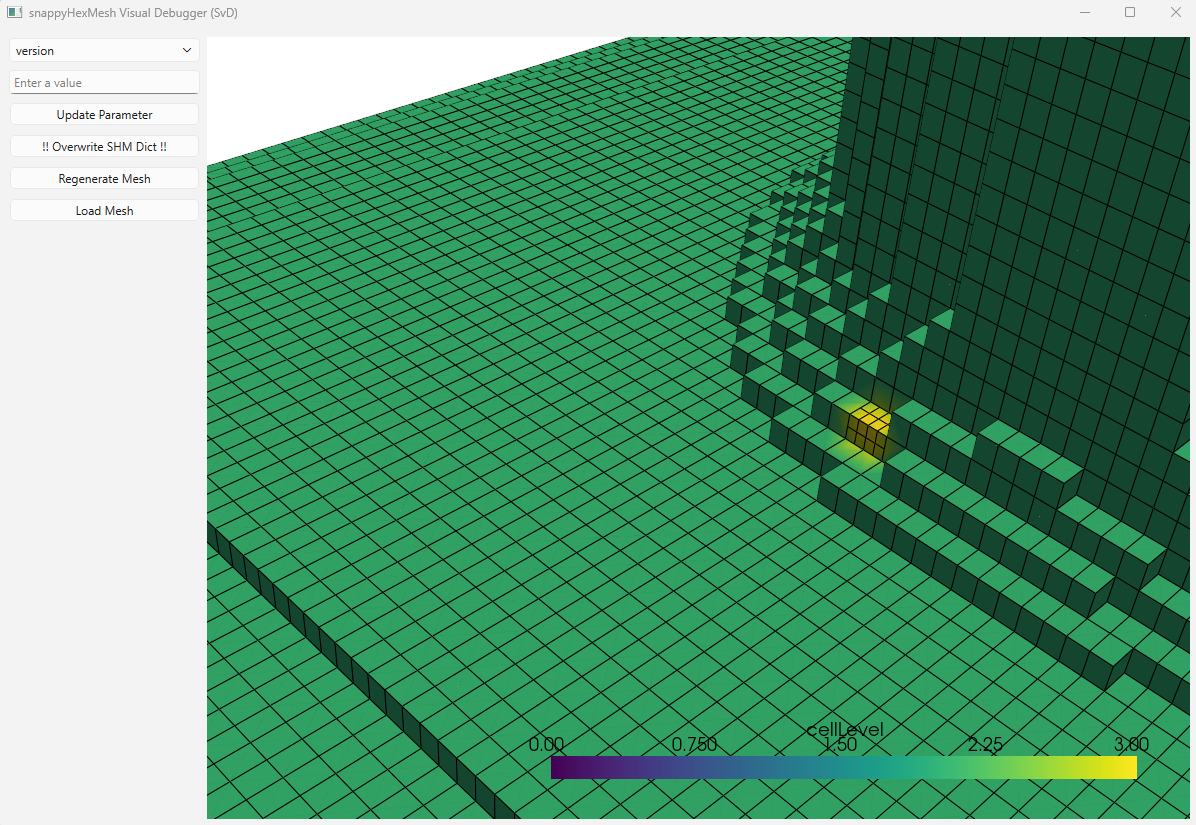
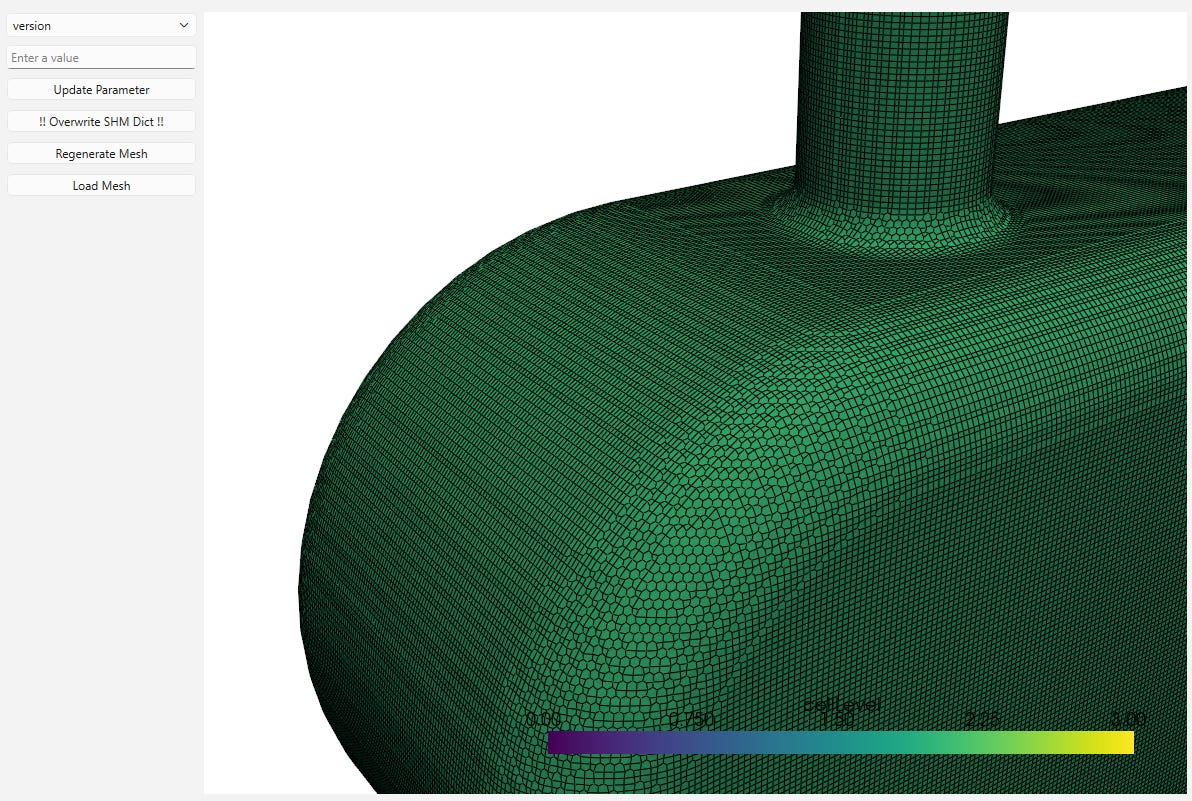
For example, it took me a few hours to get a good snapping result with minimal mesh errors:
When things go wrong
Number of intersected edges : 0

Marked for refinement due to surface intersection : 0 cells.

***Concave cells (using face planes) found, number of cells: 82739

***Error in face tets: 16 faces with low quality or negative volume decomposition tets.

Blah, blah, blah, blah, blah, blah, blah, blah, blah.........
Blah, blah, blah, blah, blah, blah, blah, blah, blah, blah.........
...........
........
.....
These are some of the error log messages I came across when using it generate a mesh lately and it can be exhausting to say the least.
There are few things you can do here:
-
Read and try to understand what the error log is saying.
There are often clues in it, although not exactly pin-pointing to the problem -
Understand geometry a little – what is a hex cell? why does the spacing between the background mesh matter? what are the refinement levels?
-
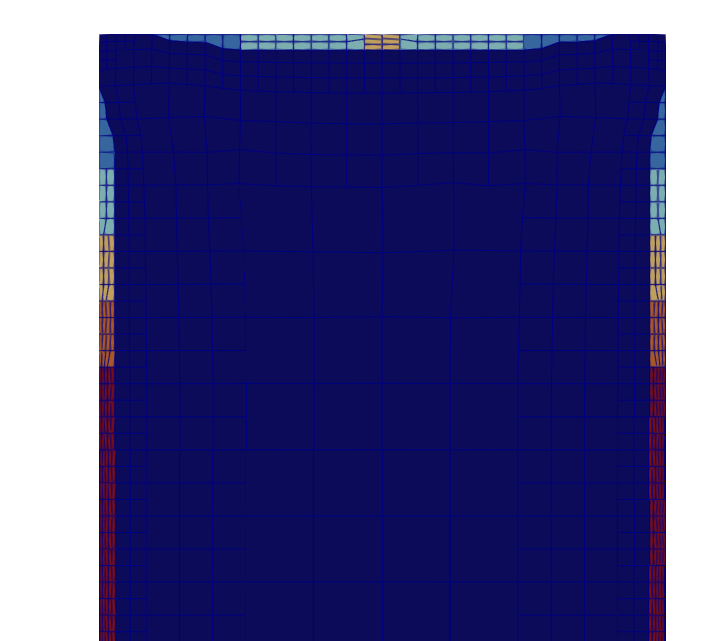
Run each stage (Castellation, Snapping, Layers) separately.
You can also use “debug 1” within the configuration file to write and output the intermediate results of each.
What I’m doing to help you further…
-
I’m writing my next precise and concise manual around Meshing for OpenFOAM (part of the OpenFOAM Diet series)
-
I’m building out this SHM tool to help generate better meshes for better simulation results.
Help me to help you….
See you soon 👋
