
If I’m being honest, I used to feel inadequate as a professional Mechanical Engineer in industry at times, long after I graduated from University.
This was most true when I was tasked with setting up FEA and CFD simulation studies, interpreting and presenting the results to the rest of the design team.
I was terrible at it!

I found myself:
-
Best-guessing values for constants.
-
Being unsure which parts of the CAD geometry should be kept or removed.
-
Accepting a dodgy Mesh just because it succeeded in being generated.
-
Staying confused in deciding appropriate boundary conditions.
-
Making poor solver choices like making the time-step too large for the scenario.
And then it hit me – I didn’t really know the fundamentals of fluid physics past the exam papers.
I didn’t have a clue how to apply these technical tools in practice with any sort of confidence.
They expect you to come with some existing knowledge.
Even the ones that present a “Wizard”!
In other words, if we assume the physics solver is validated, the model is only as good as the Engineer who set it up.
Period.
The catalyst for this new series.
Physics solvers are tricky to use, even for the experienced person.
Here’s the thing most don’t tell you: you can learn to use them with clarity and confidence, but to do that you need to have a solid understanding of the physics around fluid dynamics.
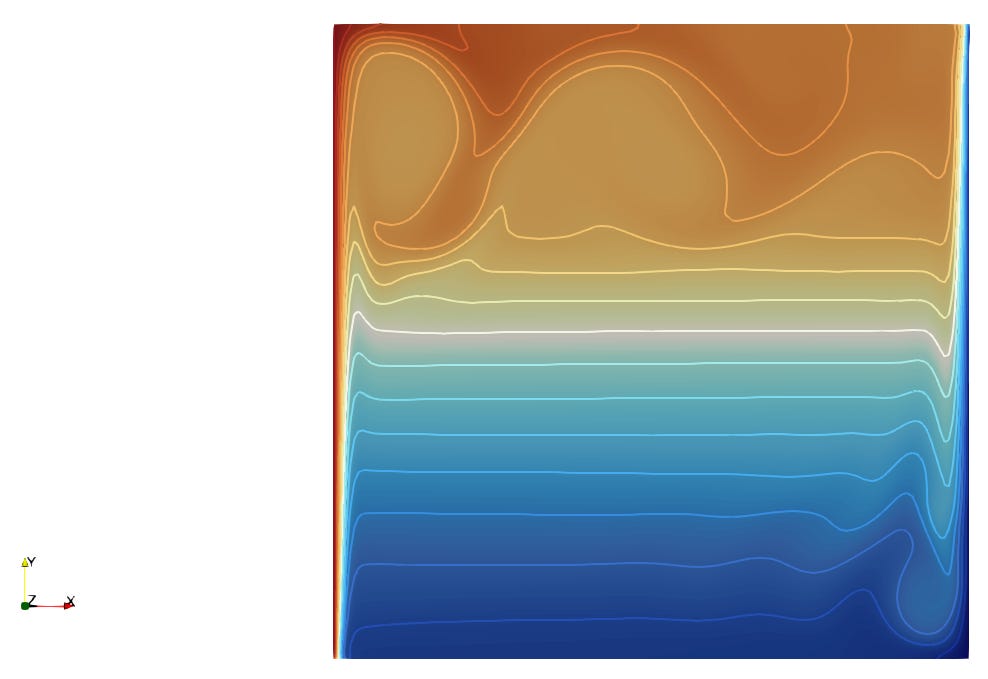
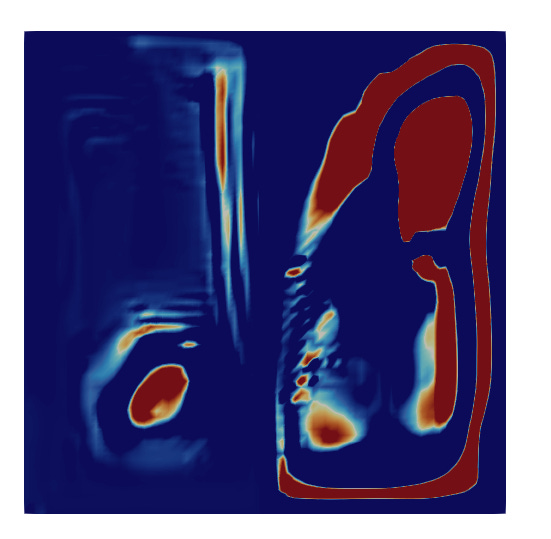
I mean a very intuitive feel for what is correct rather than what looks right…(CFD can produce very colourful plots and will happily converge a physically-incorrect solution!).
I’ve had number of people in my audience reach out and ask me about the fundamentals of fluid mechanics and how they should go about getting this knowledge.
There are a few good resources like books (I recommend https://doc.cfd.direct/notes/cfd-general-principles/contents) or a the classic Python programming course from Professor Barba (https://lorenabarba.com/blog/cfd-python-12-steps-to-navier-stokes/).
The problem is that books can feel dry, cumbersome and overwhelming with equations. The “12-steps…” course can also feel a little too theoretical and is actually based on finite-difference modelling, not FVM (the most common in commercial code).
Here’s the thing…
I spent years, literally, and found that a single resource is never enough to actually build a lasting and intuitive understanding of a complex topic like Fluid Dynamics.
And I’m a very visual person.
There needs to be some sort of practical implementation of the physics ideas that get presented to you in forms like differential equations that can appear somewhat mystical.
After struggling for years, I did something about it.
Whilst still working as a Senior Mechanical Engineer, I got obsessed with programming, in particular, Graphics and Visualisation.
I fell in love with it in my mid-30’s, pre-AI.
And this is when EVERYTHING changed for me.
Work-life balance went out the window.
I was up early mornings with Visual Studio and lines of code, tapping away at the keys and hitting F5 to refresh the visualisation of my physics engine I had built up.
If I wasn’t doing that, I was underneath a pile of technical journals that got me a little further each time.
At one point I thought I was doing the work of a PhD student for FREE(!).
I didn’t care one bit.
Time wasn’t a thing at this point.
I was actually making progress too – understanding the Maths and Physics I only kind of “heard” in a classroom somewhere.
An understanding through code.
The computer doesn’t know anything.
Literally nothing.
Doesn’t that humble you?
It certainly does it for me!
We’ve programmed them to understand how communicate between components, set voltages and manage a work schedule.
And that’s pretty much what you get when you buy a new machine and nothing else.
-
It doesn’t know what a “Force” is.
-
It doesn’t know what a “Boundary” is.
-
It doesn’t even know when one thing is colliding into another on screen.
So how do we go from this to simulating physics?!
Well, this is when someone says, we need to “model” the physics.
Bingo!
This is what we’ll be building out, from scratch.
And I’ll explain it all, maybe even share the code as we go…
Getting started.
I don’t intend this to be a programming masterclass – that’s beyond the scope of this project and I’ve had to focus it since it can literally go on forever!
But there will be some intentional layouts and structures in the code to make it easier to work with and / or explain.
Oh, and there’ll be no AI-generated code.
Why?
The goal is to understand the fundamentals of fluid dynamics, so we want to be able to manipulate and extend it as we go, keeping a good understanding of what we’ve programmed along the way.
This week I’ve laid the groundwork and setup a HTML Canvas with the right scale and layout.
Click to watch as I officially introduce the series and go over:
-
Preparing the Canvas (graphics area)
-
Deciding on a physics world scale
-
Setting up a 2D coordinate system
-
What to expect next
I hope you’re excited as I am for this series.
It’s the intersection in which I’m most passionate about.
And now I get to share it with you 😁.
If you’re in a position to support me doing work like this, consider upgrading your subscription here to become a paid member (you also get access to additional premium resources and an exclusive access to chat).
Thank you for being here.
See you next week,
Nasser
